SISSY1 Bruker Restart
0. Stop the sample from producing a signal
Either close V11 or V12 or shut the manual gate valve in front of the Bruker.
This is important because otherwise when you turn on later you will saturate again.
1. Stop the IOC
Open a terminal and type the following. You can use tab completion.
"docker stop brukermanualdeploy_sissy1_bruker_1"
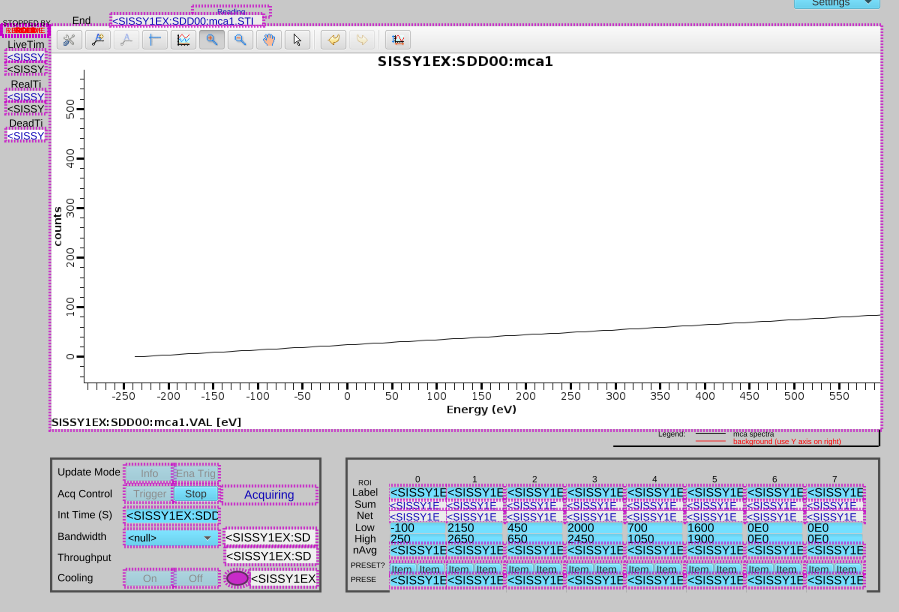
Wait. You will see the Bruker display look like this:
2. Power down the Bruker.
Press the Power switch on the SVE6 Device.
3. Wait. We don't know how long
I have found that even a short (20 seconds) is sufficient to let the overload somehow fix
4. Power on the Bruker.
Press the Power switch on the SVE6 Device.
5. Restart the IOC
Open a terminal, or use the same one. You can use tab completion.
"docker start brukermanualdeploy_sissy1_bruker_1"
6. Stop the Device Acquiring
When the Bruker/IOC starts it starts acquiring. Before you can use it you have to stop it
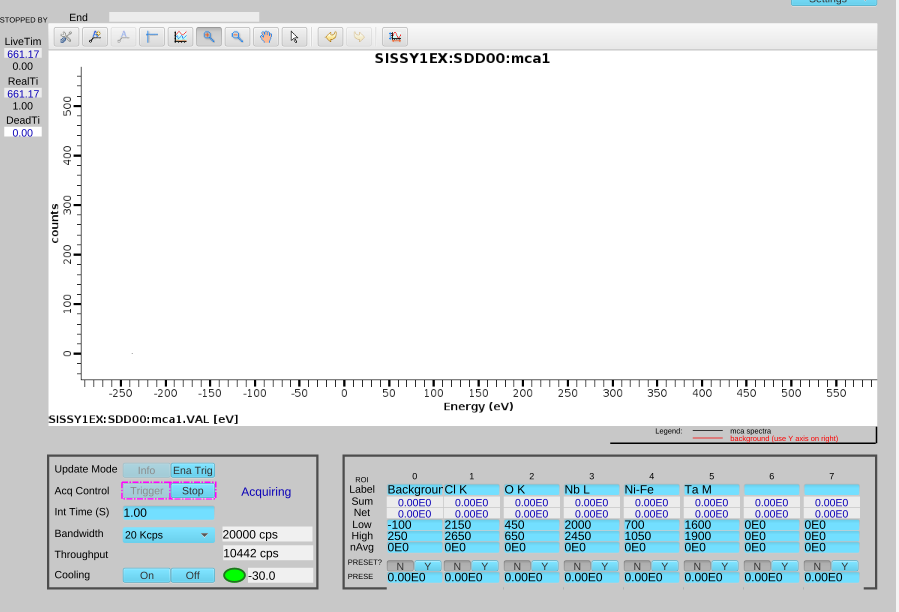
To Stop it acquiring press "Stop". Wait until the device no longer reports that it is acquiring. THIS WILL TAKE A MINUTE Please wait.
Once complete the word "Acquiring" will Disapear.
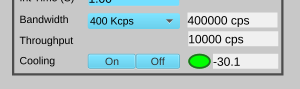
7. Set the Bandwidth to be higher 400 Kcps
From the drop down menu set the bandwidth of the device to the maximum. 400Kcps.
When asked press "Yes".
8. Perform a manual acquisition
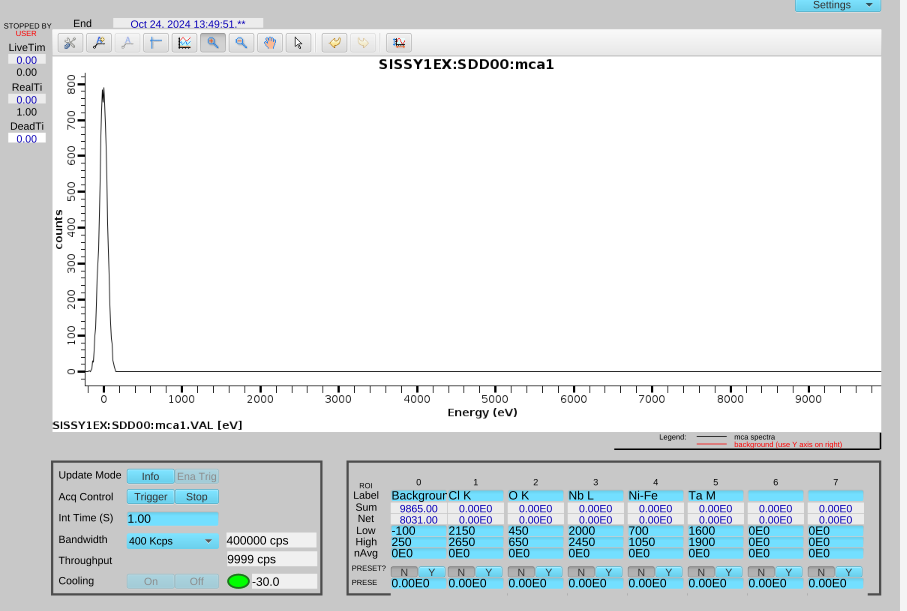
Press "Ena Trig". Then "Trigger"
In a second or so, depending on the integration time, you will see something like this.
9. Make the sample produce a smaller signal
Somehow reduce the beam intensity and measure again.